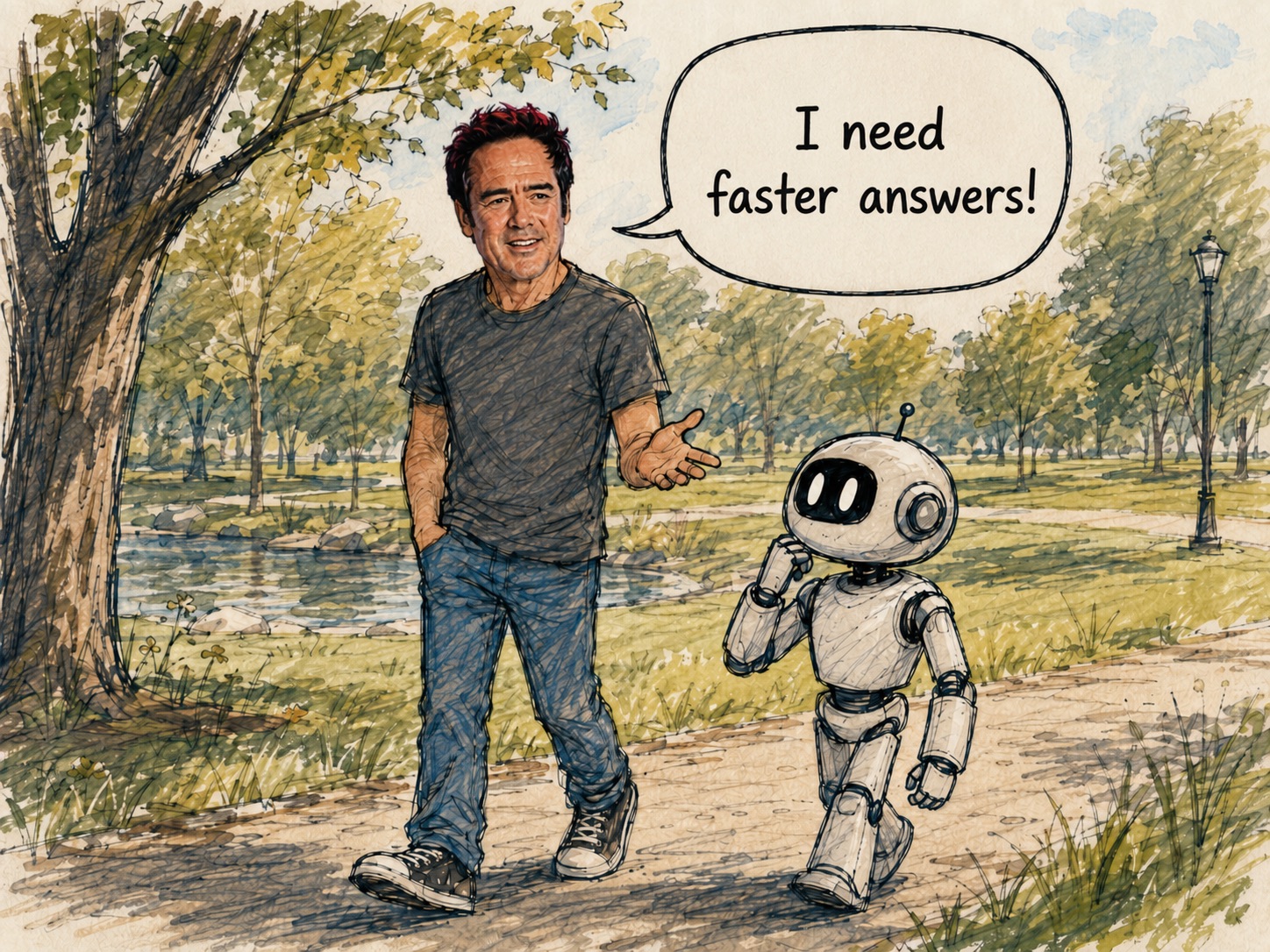
One of the fastest ways to get better results from AI is to tell it how you want it to think.
Instead of simply asking a question, give AI a role or mode. A mode is a simple skill integration that you just have to make once. A good mode immediately gives it context, sharpens the response, and cuts down on the back-and-forth needed to get something useful.
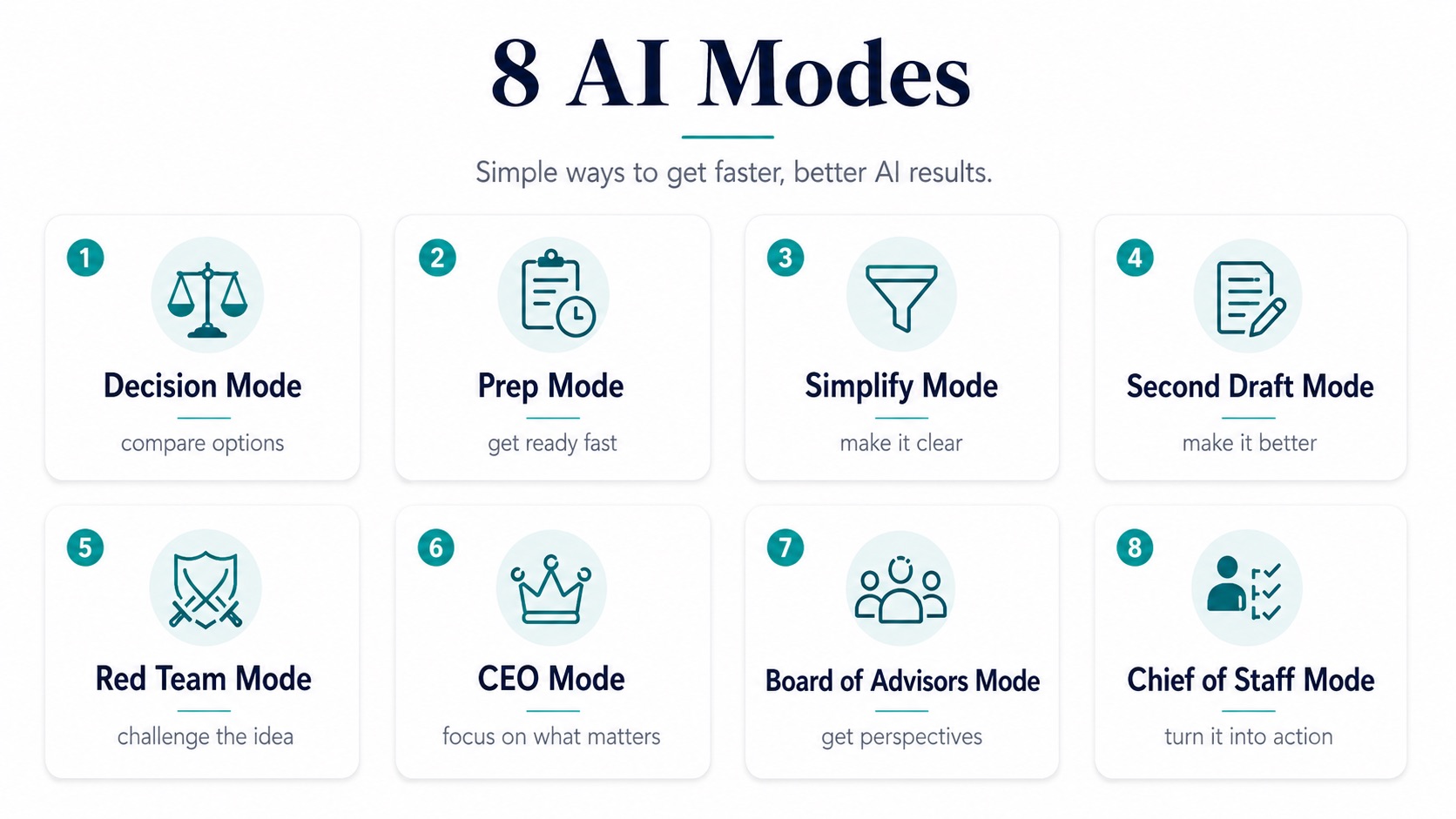
Here are eight simple modes you can start using today.
01Decision Mode
Use this when you're stuck between options.
Give AI the choices, the goal, and what matters most. Ask it to compare the tradeoffs, identify the biggest risks, and recommend a path.
"Decision Mode: Here are the three options I'm considering. Compare them and tell me which you would choose and why."
02Prep Mode
Use this before an important meeting, call, presentation, or negotiation.
Give AI the background and ask what you should know, what questions you should ask, what objections you should expect, and what outcome you should push for.
"Prep Mode: I'm meeting with this company tomorrow. Here's what I know. Help me prepare."
03Simplify Mode
Use this when something feels too complicated.
Paste in the email, report, proposal, contract language, or idea and ask AI to explain what it means, what matters, and what you actually need to do.
"Simplify Mode: Explain this to me like I'm a busy executive. What matters and what can I ignore?"
04Second Draft Mode
Use this when you already have something but want it better.
Give AI your email, memo, proposal, presentation copy, or message and ask it to make it clearer, tighter, more persuasive, or more executive-level.
"Second Draft Mode: Make this shorter, sharper, and more persuasive without changing what I'm trying to say."
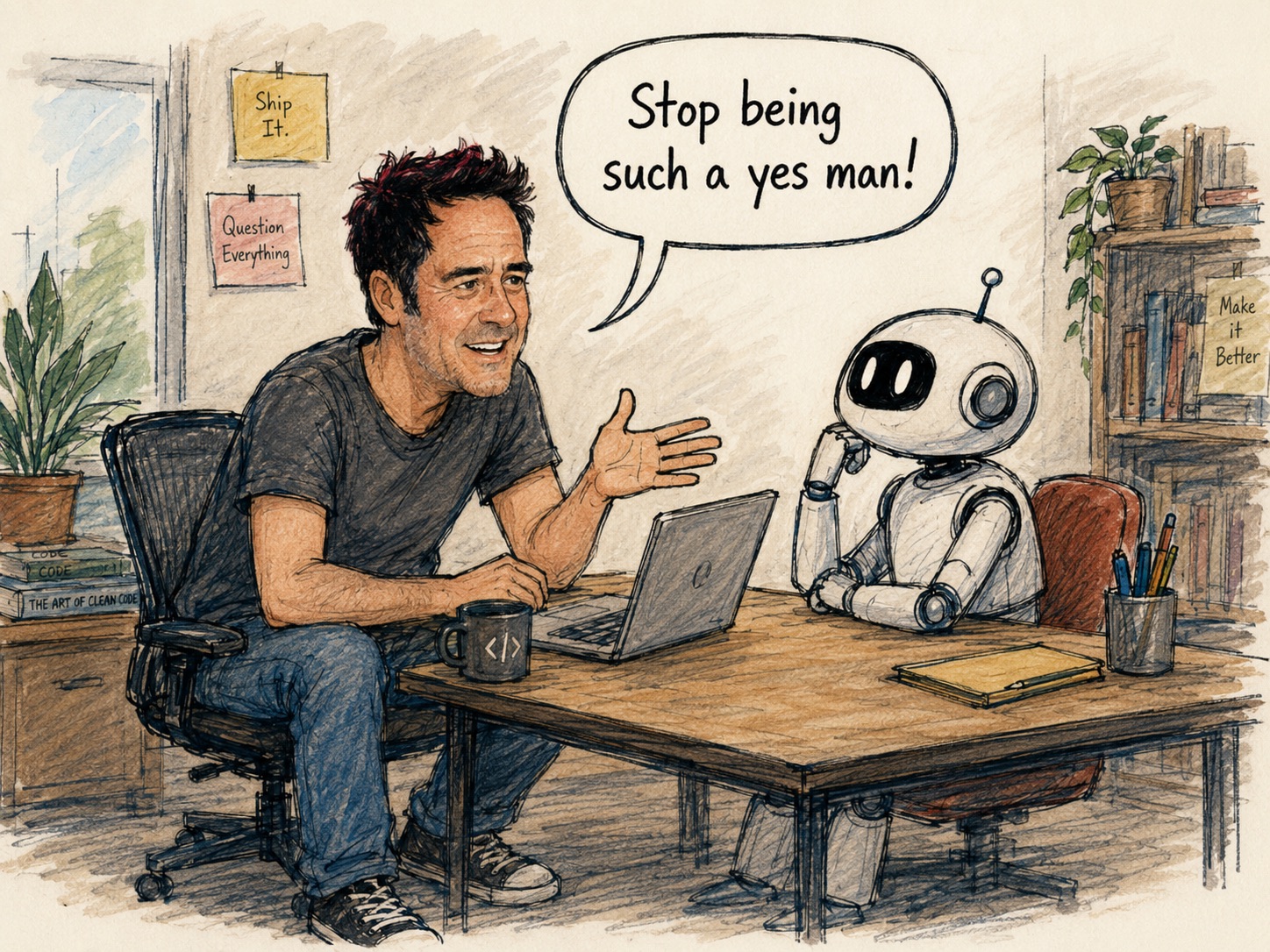
05Red Team Mode
Use this when you want AI to challenge you.
You've got an idea, a plan, maybe a new product. Start with "Red Team Mode," then write your prompt. AI will look for flaws, risks, weak assumptions, and what you might be missing.
"Red Team Mode: Here's our plan. Tell me why it might fail."
06CEO Mode
Use this when you have too much going on and need to know what actually matters.
Give AI the situation and ask: What are the top priorities? What should I ignore? Where should I focus?
"CEO Mode: Here's everything happening this week. Tell me the three things that deserve my attention."
07Board of Advisors Mode
Use this when you want different perspectives on a problem.
Tell AI who's on your imaginary board, then ask how each person would think about the situation.
You might include a great operator, marketer, investor, customer, or even a well-known business leader whose thinking you respect.
"Board of Advisors Mode: Look at this decision from the perspective of a CFO, a CMO, a customer, and an investor."
08Chief of Staff Mode
Use this when you need action.
Give AI your notes, ideas, meeting transcript, or messy situation and have it turn everything into priorities and next steps.
"Chief of Staff Mode: Turn these notes into priorities, action items, owners, and next steps."
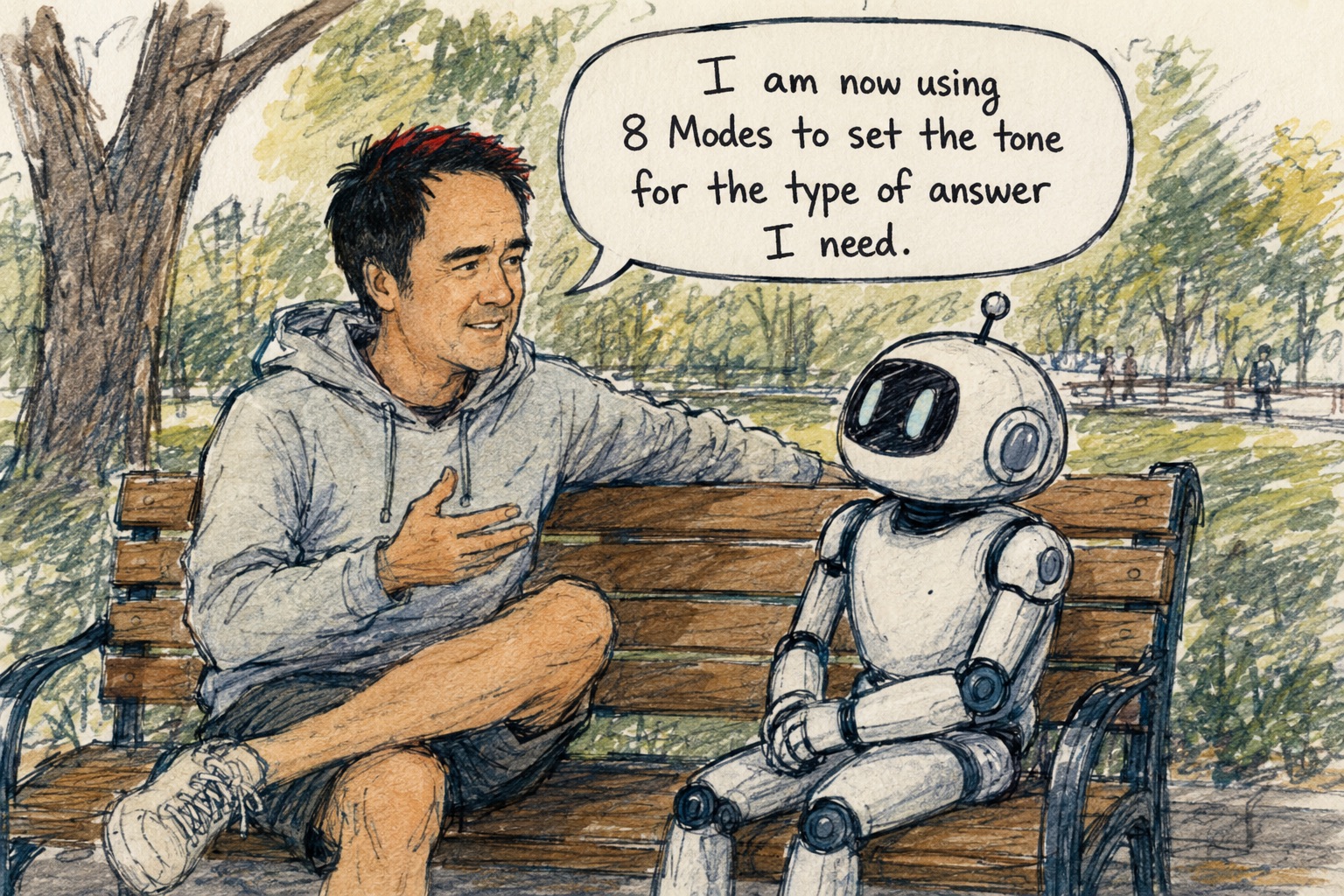
The important thing isn't memorizing clever prompts.
It's learning to give AI a clearer job.
The next time you open ChatGPT, don't just ask it a question. Tell it how you want it to think first.
You'll usually get a much better answer — and get there a lot faster.
Want your team using AI this well, every day?
Kamana's complimentary AI Diagnostic identifies bottlenecks, repetitive work, and the strongest place to start with a focused pilot.
Book Your Free AI Diagnostic
About the Author & Kamana
John Bohan, CEO of Socialtyze, launched Kamana after recognizing how AI could transform the way companies run. Kamana helps businesses streamline operations, centralize intelligence, and create more time for the work that actually grows the company.